Rayon.design: A New Tool for Interior Designers – Pros, Cons, and Comparisons to other DESIGN software
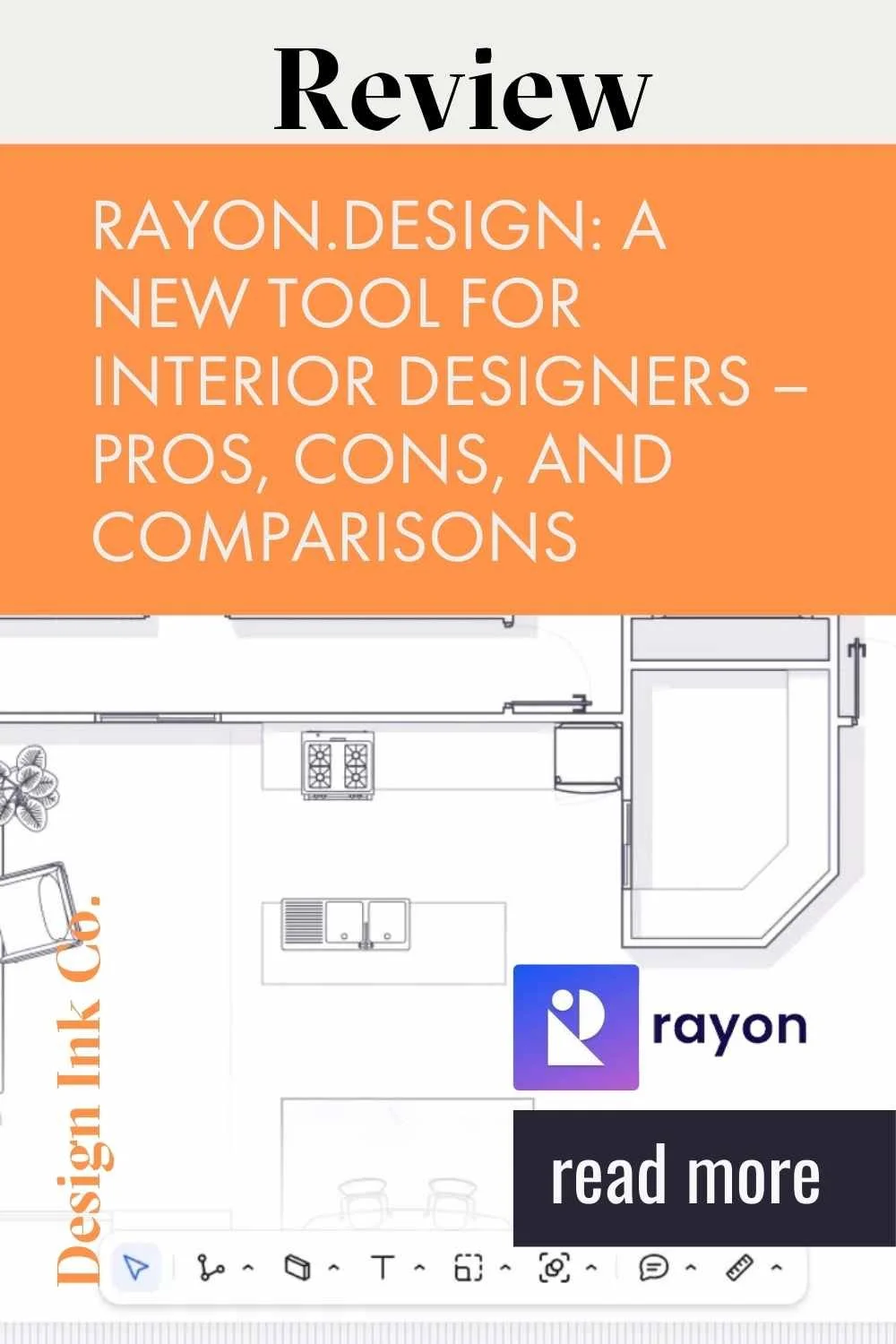
As an interior designer, staying up-to-date with the latest tools and software is crucial for delivering exceptional results to your clients. With the rise of digital tools and the increasing demand for remote work, having a platform that streamlines your design process and facilitates seamless collaboration is more important than ever. Today, we’re going to explore Rayon.design, a new visualization tool that's been making waves in the design community. We’ll dive into what Rayon is, who it’s for, how it compares to other popular visualization tools like SketchUp, AutoCAD, and Revit, and discuss its pros and cons. Let's get started!
Why Do You Need Visualization Software?
If you're new to the design field, you might be wondering, "Do I really need to use visualization software?" The short answer is yes. As a designer, your ability to translate ideas into clear visuals is essential for communicating with clients, contractors, and other trades. The technology in our industry is advancing rapidly, and with the rise of AI, clients will soon be able to generate design ideas themselves using various tools. Your value as a designer lies in your ability to take those ideas and make them a reality—this is where good visualization software comes into play.
What is Rayon?
Rayon is an online, collaborative space design software founded in 2021. It blends the features of CAD (Computer-Aided Design) and BIM (Building Information Modeling) software with a unique focus on being a "light-BIM" solution. This makes Rayon more accessible and user-friendly compared to more complex design tools.
Rayon’s interactive design experience allows you to quickly create floor plans, sections, and elevations to scale, and add elements such as furniture, fittings, and equipment from its block library. You can also create mood boards for your designs, making it easy to make quick adjustments and iterate on your designs efficiently. The platform's collaborative features, like real-time multi-user editing, enable seamless teamwork across different locations. Additionally, Rayon supports exporting designs in various formats, including images, PDFs, and DWG files, which can be read by other design software.
Who is Rayon For?
Rayon is marketed as a tool for interior designers, architects, and other professionals in the architecture, engineering, and construction (AEC) industries. It’s especially suited for professionals who prioritize collaboration and need a tool that supports streamlined workflows and real-time collaboration.
Comparing Rayon with SketchUp, AutoCAD, and Revit
If you’re considering investing in interior design software, you’re likely familiar with the three main players in the market: SketchUp, AutoCAD, and Revit. Let’s briefly discuss each of these and see how Rayon compares.
SketchUp is known for its 3D modeling capabilities and is a favorite among designers for creating detailed 3D visualizations. It's user-friendly, but often relies on plugins to expand its functionality, which can sometimes complicate workflows. One major advantage of SketchUp is its longevity; it has been around since 2000, boasting a large user community and extensive resources. You can generate everything from plans, sections, and elevations to renders and AR visualizations, as well as construction documentation. The 3D Warehouse—a collection of thousands of 3D models available for use—adds tremendous value. However, despite its ease of use, SketchUp can take some time and practice to master fully.
AutoCAD was once the market leader in precision 2D drafting. Released in 1982, it remains popular, especially among older interior design firms that continue to use it for design documentation. AutoCAD is great for detailed technical drawings but can be complex and resource-heavy. It's like working with a collection of linework representing spaces rather than solids. A significant drawback of AutoCAD is its difficulty of use on Mac systems and its high cost, particularly for team use. However, there is a lighter version, AutoCAD Web, available for around $10 per month, which is accessed online.
Revit is a more powerful software, capable of creating comprehensive 3D building models that include not just geometry but also the physical properties of components and their interactions. It’s excellent for managing changes across a project since modifications are reflected on all existing views. This capability allows for faster project completion and supports competitive bidding by generating cost information. For most smaller interior practices, Revit can be overkill. However, because many designers are trained using Revit, it remains popular despite its steep price of around $2,900 per year.
Rayon, in contrast, focuses on 2D design and collaboration. It's a browser-based tool, which means it's lightweight and doesn't require heavy installation. A subscription to Rayon costs around $29 per month for the pro plan. The "light-BIM" approach offers some of the structured data benefits of BIM software without the steep learning curve or cost. If you're looking for a tool that's relatively easy to learn, supports seamless collaboration, and allows for rapid iteration in 2D, Rayon could be an excellent choice. However, if your projects require advanced 3D modeling or highly detailed technical drawings, SketchUp or AutoCAD might still be your go-to tools.
Pros and Cons of Using Rayon
Pros:
Tailored User Experience: Rayon adapts to your experience level with CAD and BIM tools, with good documentation to get you started quickly.
Efficient Design Development: Instant feedback and a user-friendly interface can speed up the design process, especially when working with other team members.
Seamless Collaboration: Real-time editing capabilities make it perfect for teams and remote work setups, enabling easy client involvement in design sessions.
Versatile Workspace: Ideal for mood boarding, material curation, and integrating diverse formats like PDFs and DWGs, allowing for smooth collaboration with other tools.
Free Trial: Rayon offers a free trial with plenty of documentation to get you started, so you can practice as long as needed before upgrading.
Affordable Price: At $29 per month for the pro plan, Rayon is a relatively inexpensive option compared to other design tools.
Cons:
Learning Curve: Despite being designed to be intuitive, there’s still a learning curve to becoming proficient with Rayon.
New to the Market: While documentation is comprehensive, there are limited external resources available due to Rayon's newness.
Dependence on Internet Connectivity: As a web-based tool, a stable internet connection is necessary to use Rayon effectively.
Potential Glitches: Some users have reported glitches, such as difficulties in organizing layers or performing specific tasks.
Limited Visualization Capabilities: Rayon's focus on 2D design may be limiting for those who rely heavily on 3D visualizations.
Adjusting Textures and Scales: The process of adjusting textures and scales can be challenging compared to tools like SketchUp.
Limited Block Library: The block library in Rayon is relatively limited, which can be a drawback if you're planning a detailed project.
Manual Creation of Plans, Elevations, and Sections: These have to be created individually, which can be time-consuming.
Challenges in Documentation: Creating documentation for projects is more challenging due to the lack of templates and difficulty in organizing different views on the same sheet.
Conclusion
Rayon.design offers a fresh approach to collaborative interior design, emphasizing user-friendliness, affordability, and effective collaboration. While it presents some limitations, particularly in 3D visualization and comprehensive documentation capabilities, it’s a fantastic tool for designers and decorators who need to generate simple interior spaces and communicate their plans effectively. If you’re considering adding Rayon to your toolkit, weigh the pros and cons against your specific needs and project requirements.
I would recommend Rayon for designers who primarily focus on 2D plans and need a collaborative platform. However, for those requiring more complex modeling and extensive visualization, SketchUp, AutoCAD, or Revit may still be more suitable. Remember, choosing the right tool is a significant decision and should be made considering both your current needs and future goals.
Have you tried Rayon or any other design software? Share your thoughts in the comments below! And if you're looking for more tips and tools to elevate your interior design business, consider subscribing to stay updated with the latest content.

Hi 👋🏽 I’m Joanne!
I’m an interior designer, content creator, educator, and business coach. After studying Economics and Education at uni, the design world beckoned, drawing me to Christie’s in London, where I completed post-grad studies in art & design, and then to Hong Kong, where I founded Eclectic Cool, a design firm and design store. Eclectic Cool represented international brands such as Gubi, &tradition, HAY, Armadillo Rugs & Dinosaur Designs to name a few. My work and store have been featured in Monocle, Conde Nast Traveller, Elle Decor, Expat Living, Cathay Pacific inflight magazines, South China Morning Post, and the ABC (Australia) network and more. I live between on the south coast of Australia and Hong Kong with my husband and cavoodle. I’m the mum of three adult children.
Don’t forget to grab the free stuff! For Interior Designers!
Want a free investment guide you can use in your interior design business?
This 24-page investment guide, made in Canva, is yours to customize with your logo and branding. Fill out the form to download now!
You might like…