Streamline Your Interior Design Projects with Design Files: A Comprehensive Review
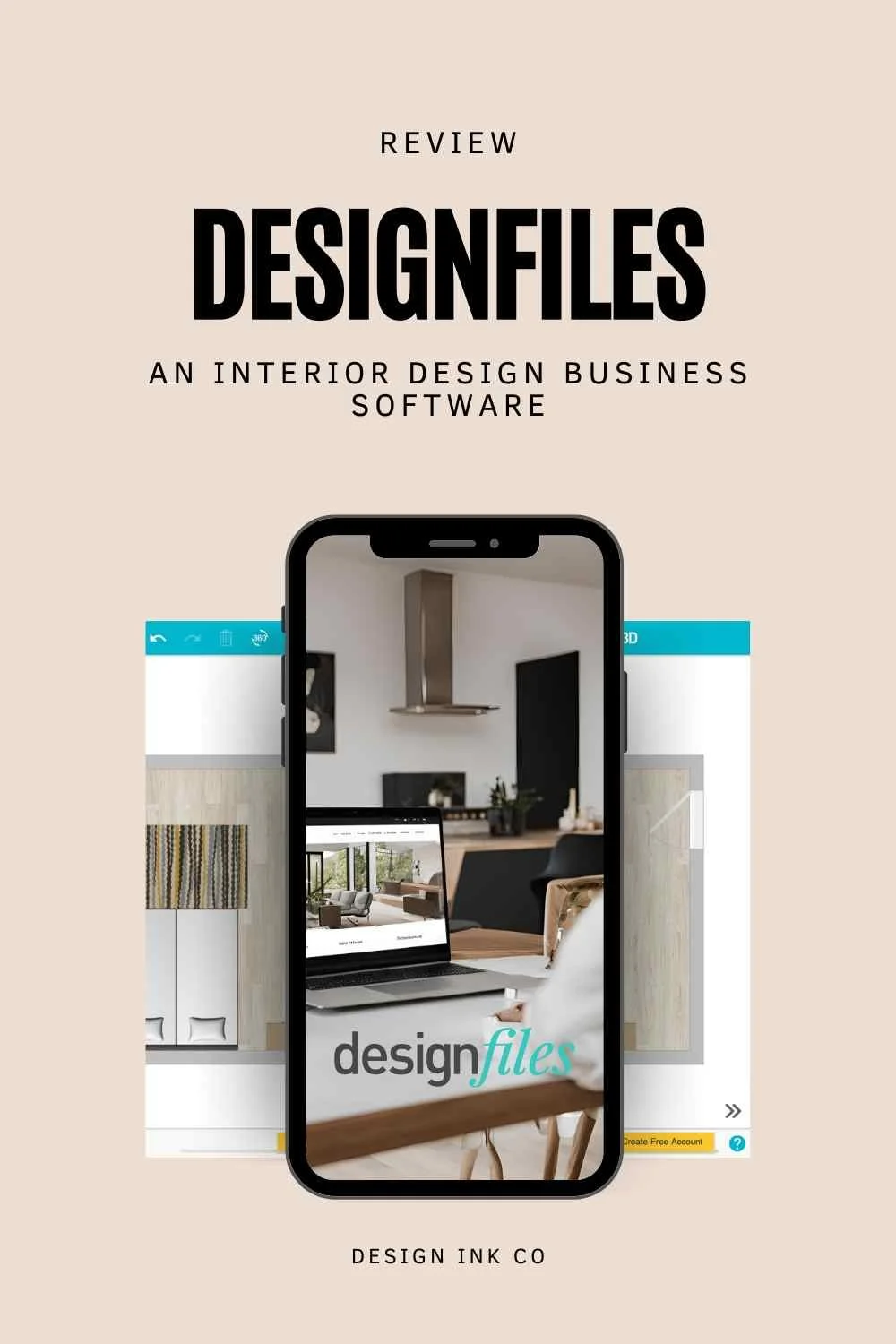
Designfiles - an app for interior designers and interior decorators- find out if it is right for you!
Introduction
As you know, having the right tools can make all the difference in how smoothly your projects run and how professional you come across to your clients. In this blog post, I'm diving into a tool that one of my clients asked me to review—the Design Files app. This review is part of a series on interior design management apps. If you're interested in exploring other tools, be sure to check out my previous video on the Programma app.
What is Design Files?
So, what exactly is Design Files? In a nutshell, it's an all-in-one app designed specifically for interior designers, decorators, and e-designers to help manage every aspect of their projects—from planning and client collaboration to budgeting and visualization. In this post, I'll take you through a detailed review of Design Files, highlighting its key features, what it does well, and where it could improve. Whether you're a seasoned designer looking for a more efficient workflow or just starting out and needing a reliable tool to keep everything organized, this review will help you decide if Design Files is the right fit for your business.
Getting Started with Design Files
To get started with Design Files, head over to designfiles.co. You'll see options to book a demo or try it for free—no credit card required, and you can cancel anytime. After logging in, you'll be prompted to brand your account by choosing a primary account and brand color. You can also adjust settings like currency, units of measurement, and date format based on your location. This customization ensures that the app meets your specific needs from the get-go.
Key Features of Design Files
Design Files offers a range of features that can help streamline your design process. Let's break down some of the standout tools:
1. Product Clipper
One of the most useful features of Design Files is the **Product Clipper**, which you can add to your Chrome browser. This tool allows you to clip photos from various websites and add them directly to your product library within the app. It’s a quick and easy way to gather and organize design elements and furnishings for your projects.
2. Questionnaires and Online Payments
Design Files also allows you to create client-facing questionnaires. You can draft multiple questionnaires and customize them with specific questions to better understand your clients' needs and preferences. Additionally, you can set up online payments by connecting a Stripe account, making payment processing straightforward in most countries that accept Stripe.
3. Integrations
The app integrates with popular tools like **QuickBooks** for accounting and **Side Door**, a procurement app primarily available in the US. These integrations can be highly useful depending on your location and business needs, allowing for seamless management of your projects and finances.
4. Project Management
In terms of project management, Design Files offers features that let you control what the client sees, adjust taxes, manage payment options, and define services offered. You can also track project time, although this feature has some limitations that we'll discuss shortly.
Creating and Managing Projects
1. Sample Projects and Libraries
When you first open Design Files, you’ll find a sample project that helps you get familiar with the interface. You can add items to your product library, search by vendor and price, and save images for use in multiple projects. This feature is particularly handy for organizing and reusing elements across different designs.
2. Mood Boards and Templates
Design Files offers basic image editing tools that allow you to create mood boards quickly. You can also save templates for recurring use, which can be a significant time saver for those repetitive tasks and commonly used layouts.
3. Client Communication
Client communication is a breeze with Design Files. You can submit projects to clients for feedback, control what they see, and share product lists without revealing prices. This makes it easy to maintain transparency and professionalism while keeping certain details confidential.
4. Floor Plans and 3D Views
The app allows you to create detailed floor plans and switch between top-down and 3D views. However, the 3D rendering capability is relatively basic and may not meet the needs of more complex projects. It’s a great starting point for simple layouts, but for more sophisticated renderings, you might need additional software.
Pros and Cons of the DesignFiles App
Pros:
Ease of Use: The platform is very user-friendly and easy to navigate, making it accessible for designers at all levels.
All-in-One Solution: Integrates multiple features, such as product clipping, client management, and project tracking, into a single platform for a streamlined workflow.
Client Communication: Provides tools that facilitate easy and effective communication with clients, enhancing the overall client experience.
Cost-Effective:Suitable for small projects and offers good value for its price, especially if you utilize all its features.
Cons:
Limited Sophistication:The app’s capabilities may not be sufficient for more complex design projects that require advanced features.
Task Management: The task management tools are relatively basic compared to more specialized project management tools like Notion or Asana.
Import/Export Limitations: Does not support CSV file uploads for tasks, which can limit flexibility for importing existing data.
Final Verdict
So, who is Design Files for? In my opinion, Design Files is perfect for e-designers or interior decorators specializing in styling and furnishing projects. It’s especially useful for those who handle small to medium-sized projects and want an all-in-one tool to manage everything from design to client communication. However, if your projects are more complex and require advanced tools, you may quickly find its limitations.
The best way to find out if Design Files is right for you is to take advantage of the free trial. Explore the app, test its features, and see how it fits into your design process. If you’ve used Design Files or have any questions about it, drop a comment below—I’d love to hear your thoughts!
And if you found this review helpful, don’t forget to share it with your fellow designers and subscribe to my channel for more interior design tips, tools, and reviews. Thanks for reading, and I’ll see you in the next post!

Hi 👋🏽 I’m Joanne!
I’m an interior designer, content creator, educator, and business coach. After studying Economics and Education at uni, the design world beckoned, drawing me to Christie’s in London, where I completed post-grad studies in art & design, and then to Hong Kong, where I founded Eclectic Cool, a design firm and design store. Eclectic Cool represented international brands such as Gubi, &tradition, HAY, Armadillo Rugs & Dinosaur Designs to name a few. My work and store have been featured in Monocle, Conde Nast Traveller, Elle Decor, Expat Living, Cathay Pacific inflight magazines, South China Morning Post, and the ABC (Australia) network and more. I live between on the south coast of Australia and Hong Kong with my husband and cavoodle. I’m the mum of three adult children.
Don’t forget to grab the free stuff! For Interior Designers!
Want a free investment guide you can use in your interior design business?
This 24-page investment guide, made in Canva, is yours to customize with your logo and branding. Fill out the form to download now!
You might like…