Using Milanote for interior designers
Everything you need to know
Milanote is a valuable tool for interior designers
It can be used to create working moodboards within your design practice and with clients
It is easy to learn and pricing is reasonable
What is Milanote?
Milanote is a file storing app that you can use to visually collect your ideas. I use it to create interior design moodboards.
Is Milanote free?
There is a free plan for Milanote but it is limited to 100 ideas and 10 file uploads. The paid plan is USD10 per month and well worth it.
How can interior designers use Milanote?
You can use Milanote as a way of visually collecting ideas from sources: these could include images that you pulled in from the web or even notes that you created on your phone, iPad or computer. It’s incredibly powerful, has a very minimal and attractive UI.
In my interior design workflow, I have created a main page that is divided into boards acting as a folder for my projects. Even though you can’t customise fonts and the overall look and feel of the board, I use Milanote as a method of quickly creating interior design moodboards for the ideation phase of my project.

How I use Milanote as an interior designer
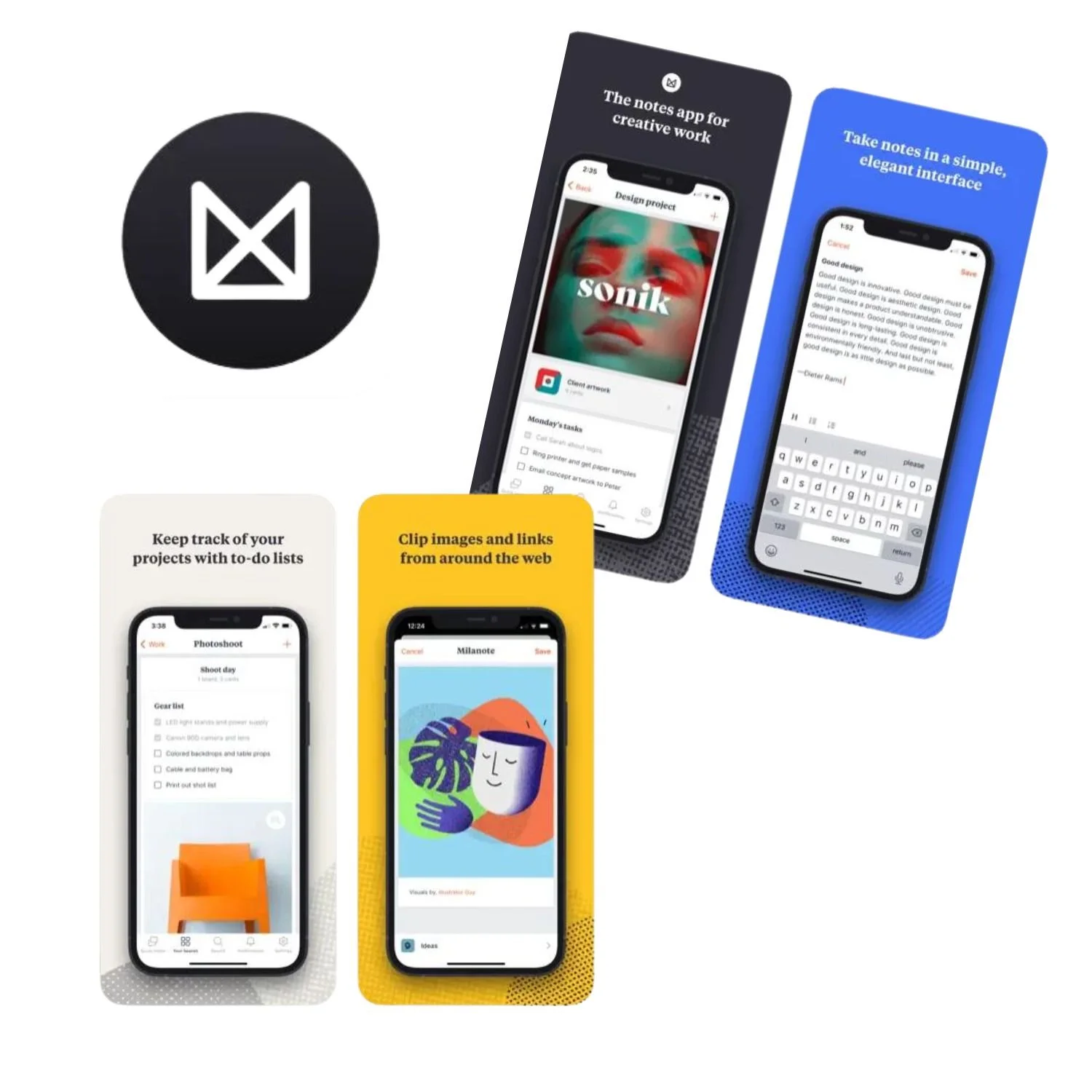
As I am looking around on the web, I can use the web clipper to quickly find images and make notes to show my client so that I can bounce around some preliminary ideas and get some feedback, saving me time in the long run.
How it works:
Create a board by dragging the board icon into your workspace. You can add visuals in from folders, bring in images via Chrome webclipper, write headings, notes, invite people to comment on your board. You can nest boards within boards which means that you can organise information easily into categories.
You can add in your brand colours into a board for easy reference. You can’t customise the fonts, but you can add in Brand colours
Milanote offers the ability to make notes and headings, draw lines and arrows, make sketches and embed videos. Check out the video below for a more detailed tour.
Advantages:
It has a web clipper, making taking inspiration images from the web a breeze.
It is inexpensive: it costs around USD10 for unlimited boards. There is a free plan as well but you are limited to 100 ideas, and you can upload 10 files. Once you start using it, you get addicted so you will run out of space pretty quickly.
You can embed your files straight into Notion, share your board to the web or send links for people to view or comment.
Disadvantages:
You have to be careful to nest boards within boards. The canvas is infinite and if you want to create a PDF, the images can become small. I like to nest boards within boards.
You can’t change the look and feel of the board to exactly match (or come close) to your branding. This means that you will have to take your images into Canva/Indesign or whatever you use to create interior design mood boards.
You can’t layer objects with transparent backgrounds on top of each other to create a 2D image of your room design. You will have to do this in Canva or photoshop.
You can see how I can use Milanote as a creative board here. There is no sound.
Milanote walkthrough
Milanote’s ability to pull images and make notes and comments make it a powerful tool and an important part of my workflow. I think its price is more than justified by the speed at which I can pull together designs and communicate them to my clients.