Midjourney for Interior Designers
I’m fascinated about how quickly AI has become part of our writing workflow. Everyone seems to be using it for all sorts of purposes. If you want a basic introduction to any topic (pre-2021) Chat GPT seems to be the go-to. As someone who loves any technology and is interested in the potential for visualisation for interior designers, I am following these developments with interest.
For image based AI, it’s slightly more complicated. Good prompts and trial and error seem to be the order of the day in order to get a relatively successful result. There are a number of AI rendering engines around, all creating images with varying success.
I watched a YouTube video from Justin at SketchUp Essentials about Arko AI which is an AI plugin for SketchUp. You will see from the video that Arko is not super successful at rendering especially when the prompts are fairly general. It does some crazy things in the background- creating whole backdrops for the background of a kitchen etc. There doesn’t seem anything there that is usable, let alone being able to show to a client. I encourage you to watch the video if you are interested.
In this blog post,I’ll look at Midjourney for Interior designers. I think Midjourney is the best AI image generator around, however it is not specifically for interior designers.
Is Midjourney free?
When it was first introduced, MidJourney was free, but due to overwhelming demand, you now have to pay a subscription which ranges from USD 8 to USD96 per month. I have started with the Basic plan as I am not creating a huge number of images per month and speed is not so important to me.
How to use Midjourney
Midjourney is that it uses the app Discord which allows you to join the Midjourney server. Head over to the Midjourney site and you will be prompted to create an account. When you start using it you will be redirected to a Stripe payment page where you will pay to get access.
Now you have access, you can choose one of the #newbies channels. You type the command /imagine and then the prompt. Then you wait about a minute while the Midjourney creates 4 images based on your prompt.
Here is an example.:
I typed in:
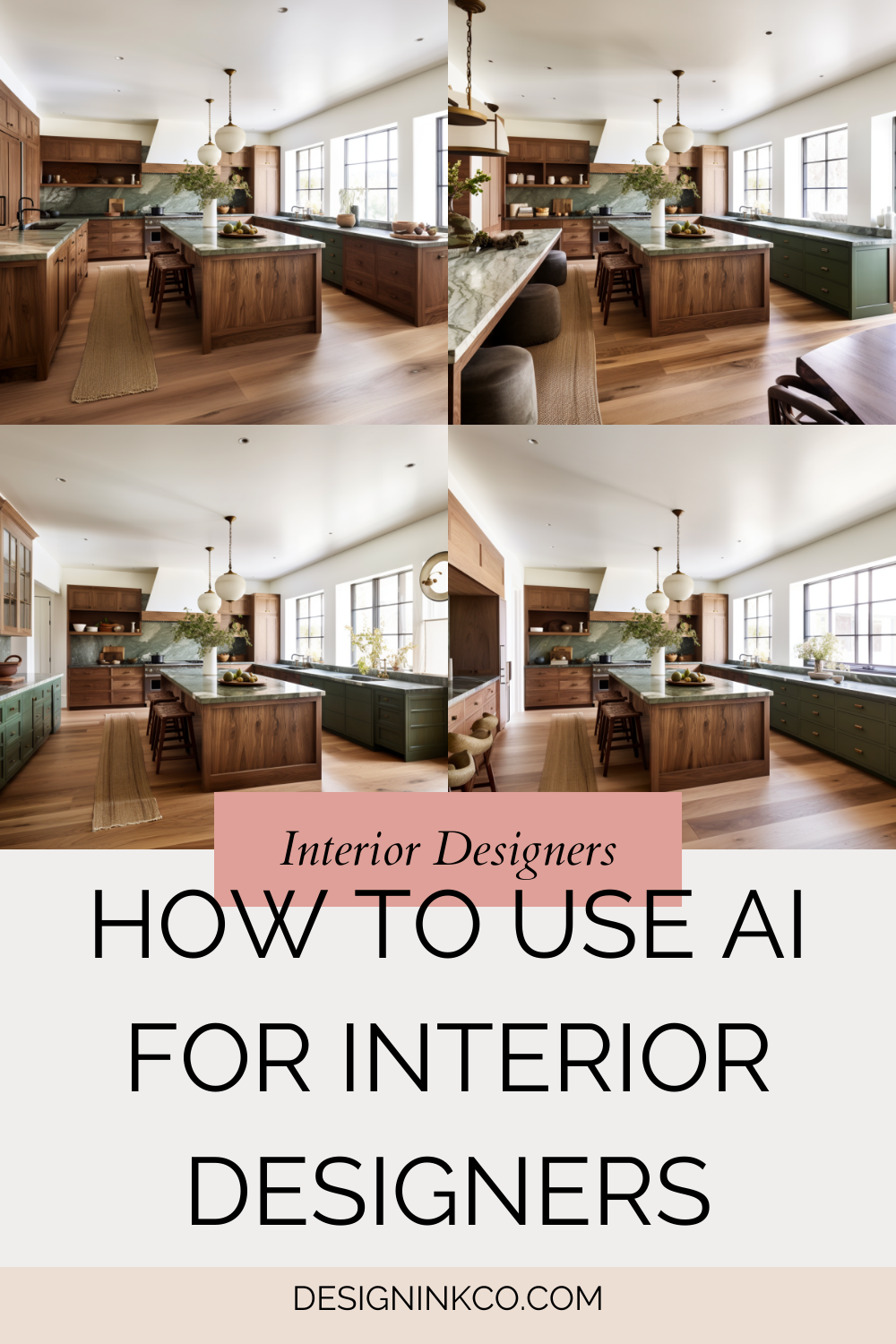
a kitchen with green marble countertops and walnut cabinets in the style of studio mcgee

I was thinking of a dark green countertop and walnut shelves. Of the four choices, I liked the two on the left. I think it looks closest to StudioMcGee’s work.
Once you have the image, you can give it some more refinement. You can zoom out for example. Check this out

You can see that it is similar but not the same. There is something funky going on with those chairs and runner on the left. However, the composition is pretty nice and the rendering of the materials and the light is also nice. I think the texture of the floorboards is well done, though the boards seem very wide. I also like the marble texture.
I then later gave the same prompt but I used Kelly Wearstler instead of Studio McGee.
Here’s what I got back:
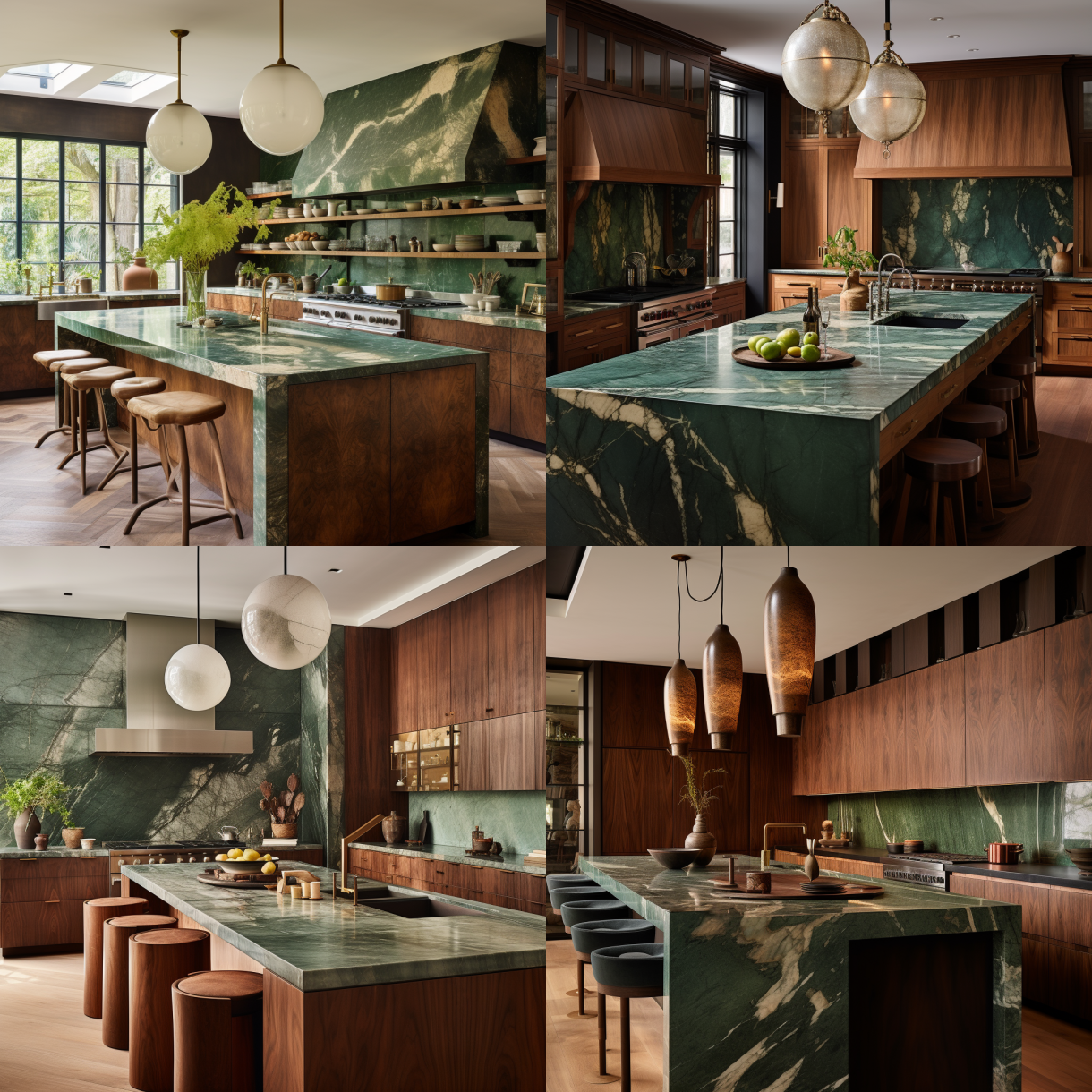
I quite liked the first one.
Here is a more complicated prompt
a living room in the style of kelly wearstler with a graphic rug inspired by le corbusier and grey sofas, include organic lights and french doors leading out to a beautiful japanese inspired garden. Make the image realistic --ar 9:16 --v 5.1
The ar 9:16 is the aspect ratio while the v 5.1 is Midjourney’s latest version.
I got back 2 results


While I was on the server, someone else asked for a floor plan for a one-bedroom apartment. Midjourney produced 4 floor plans which also was an interesting way to use it.
You can see from the images that the quality is pretty good and it is super fast.
How can AI help interior designers?
I think AI can help with floor plans, materials and initial concepts that could inspire you. As AI learns it will become more and more accurate. I was pretty impressed at how fast it could render and the options that it was able to create.
Conclusion
However, you can see here that though it was able to create pleasing images, they were not exactly what I was envisioning. You would have to experiment a lot with prompts that so that you get a result that might fit a project or that you could implement easily.
One really exciting way that I have seen AI has been implemented is in Adobe products. They introduced a tool called Generative Fill in Photoshop which can help you refine your images so that you fix any image issues you might have. This could help in your visualisation workflow. I can imagine that you could create images in SketchUp and Enscape, take it to Vray and then finalise the image in Photoshop.
Watch this space as I will spend some time experimenting and show you some examples !

Hi 👋🏽 I’m Joanne!
I’m an interior designer, educator and business coach. After studying Economics and Education at uni, the design world beckoned, drawing me to Christie’s in London, where I completed post-grad studies in art & design and then to Hong Kong, where I founded Eclectic Cool, a design firm and design store. . Eclectic Cool represented international brands such as Gubi, &tradition, HAY, Armadillo Rugs & Dinosaur Designs to name a few. My work and store have been featured in Monocle, Conde Nast Traveller, Elle Decor, Expat Living, Cathay Pacific inflight magazines, South China Morning Post and the ABC (Australia) network and more. I live on the south coast of Australia on a country property between the beautiful Australian bush and the Pacific Ocean with my husband and cavoodle. I’m the mum of three adult children.
You might like…