How to Create Consistent Images in Midjourney
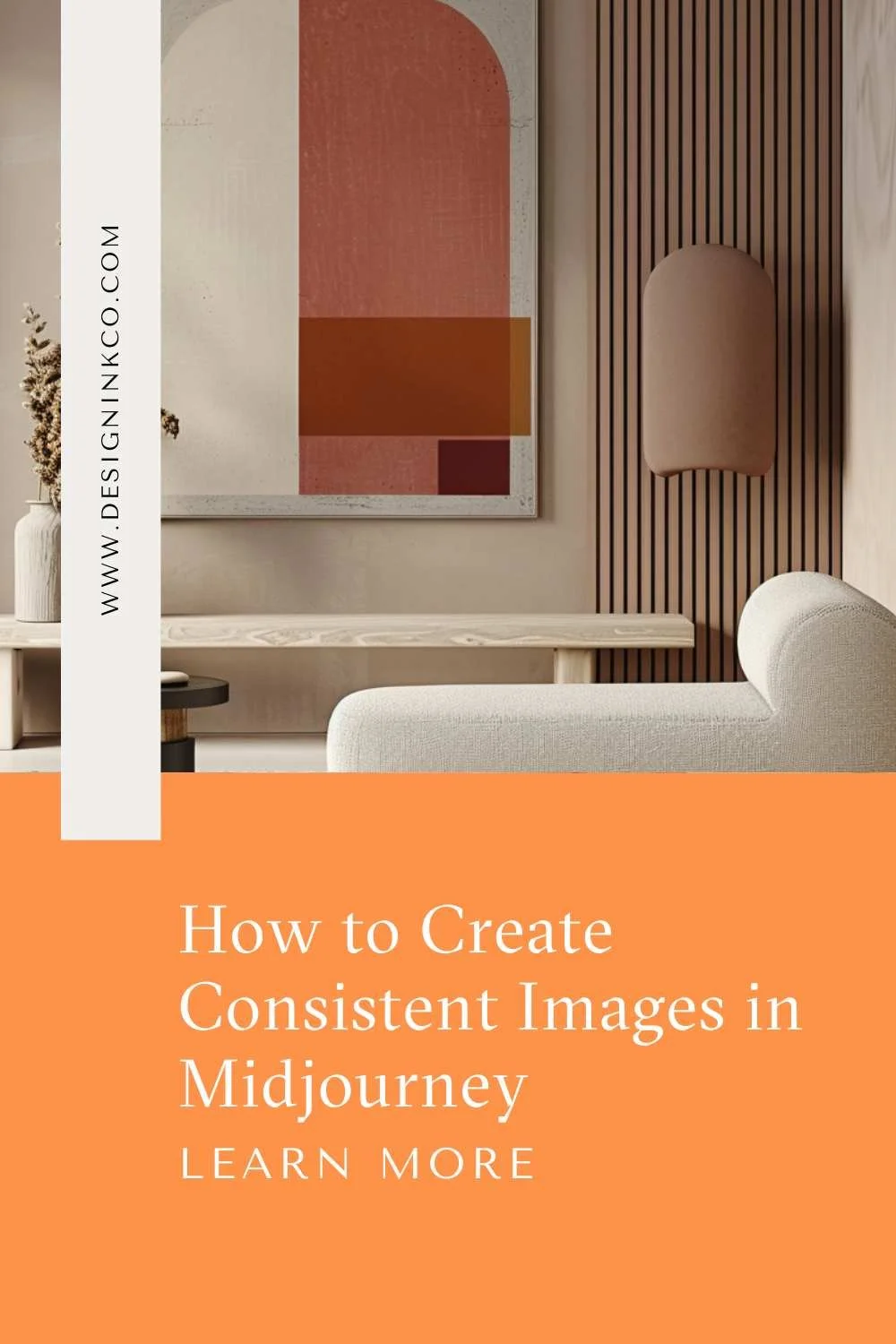
Are you looking to use Midjourney to generate ideas for your next design project? While version 6 has made it easier to get the visual results you want, there can still be a learning curve when it comes to creating a consistent image style that aligns with your vision.
In this post, I'll share three techniques you can use to develop your own signature look and generate cohesive images in Midjourney. These tips will help you move beyond random results to images that suit your project and showcase your creative flair.
This post is accompanied by a walkthrough video - It is linked below, so make sure that you watch it and follow along.
The best tip that I can give you is to practice. Create as many images as possible. Practice changing up the prompt, commands and parameters a little and see how it affects the final result. The more practice that you have, the more effective will be the results.
Technique 1: Craft Effective Prompts The key to consistency starts with your prompt. Use this basic template:
Start with "editorial image"
Specify the type of room/space
Describe the lighting/time of day
Add details like focal points, key furniture
Include materials, color palette, atmosphere
Use parameters like aspect ratio (:16:9) and --style raw
To create a set of adjoining rooms, change the room name but keep lighting, materials, and other details the same across prompts. Save your prompts so you can reference and adapt them for future projects.
Technique 2: Leverage Different Commands
Beyond the /imagine command, try:
/describe - Upload an image and let Midjourney generate prompts describing key elements. Study these to refine your own prompts.
/blend - Combine two images, like a photorealistic room and a drawing, to create an interesting stylized look
Technique 3: Utilize Parameters Add these to the end of prompts to fine-tune your image style:
-style [image] - Uses the essence/style of a reference image
-stylize [0-1000] - Controls artistic license (0 = literal, 1000 = abstract)
-seed [number] - Recreates an image from its unique identifier
-sw [0-1000] - Adjust stylization weight of --style references
-c [0-100] - Vary the initial grid of images (high values = varied/unexpected)
With experimentation, you'll gain control over Midjourney and start generating images perfect for your projects. Save your prompts and results to develop your signature look.
I hope these tips help you create beautifully consistent designs in Midjourney. Feel free to ask any other questions as you explore! Don’t forget to check out the video.

Hi 👋🏽 I’m Joanne!
I’m an interior designer, content creator, educator, and business coach. After studying Economics and Education at uni, the design world beckoned, drawing me to Christie’s in London, where I completed post-grad studies in art & design, and then to Hong Kong, where I founded Eclectic Cool, a design firm and design store. Eclectic Cool represented international brands such as Gubi, &tradition, HAY, Armadillo Rugs & Dinosaur Designs to name a few. My work and store have been featured in Monocle, Conde Nast Traveller, Elle Decor, Expat Living, Cathay Pacific inflight magazines, South China Morning Post, and the ABC (Australia) network and more. I live between on the south coast of Australia and Hong Kong with my husband and cavoodle. I’m the mum of three adult children.
Don’t forget to grab the free stuff! For Interior Designers!
Want a free investment guide you can use in your interior design business?
This 24-page investment guide, made in Canva, is yours to customize with your logo and branding. Fill out the form to download now!
You might like…